ADVERTISEMENT
Nearly 75% of hiring managers admit they ignore candidates who send poorly labeled documents. Your digital identity begins before a recruiter reads your contact information.
A generic title like “my_doc.pdf” can make you look disorganized. It may get lost in a crowded inbox beneath hundreds of other submissions. Use a clear resume file name for applications to stand out from digital clutter.
A professional document naming convention shows that you take applications seriously. A clear, consistent format keeps your materials organized and easy to find.
ADVERTISEMENT
Your file name creates a first impression. A clean, descriptive title shows attention to detail. It cannot replace your experience, but it can help recruiters notice you.
Key Takeaways
- First impressions start with how you label your digital documents.
- Avoid generic titles that make your work look unfinished or messy.
- Use a consistent format to help recruiters find your materials quickly.
- Keep your document title separate from the details inside your profile.
- Small professional touches often lead to better hiring outcomes.
Why your resume filename matters to hiring teams
Think of your resume filename as a digital handshake with a potential employer. Before a recruiter opens your document, they form an opinion about your files. A professional, clear filename signals that you are organized and detail-oriented.
In a busy office, recruiters often handle a flood of hiring manager email attachments every day. If your file is named “resume.pdf,” it can get lost in the shuffle. The recruiter must guess whose document it is, creating a problem you should avoid.
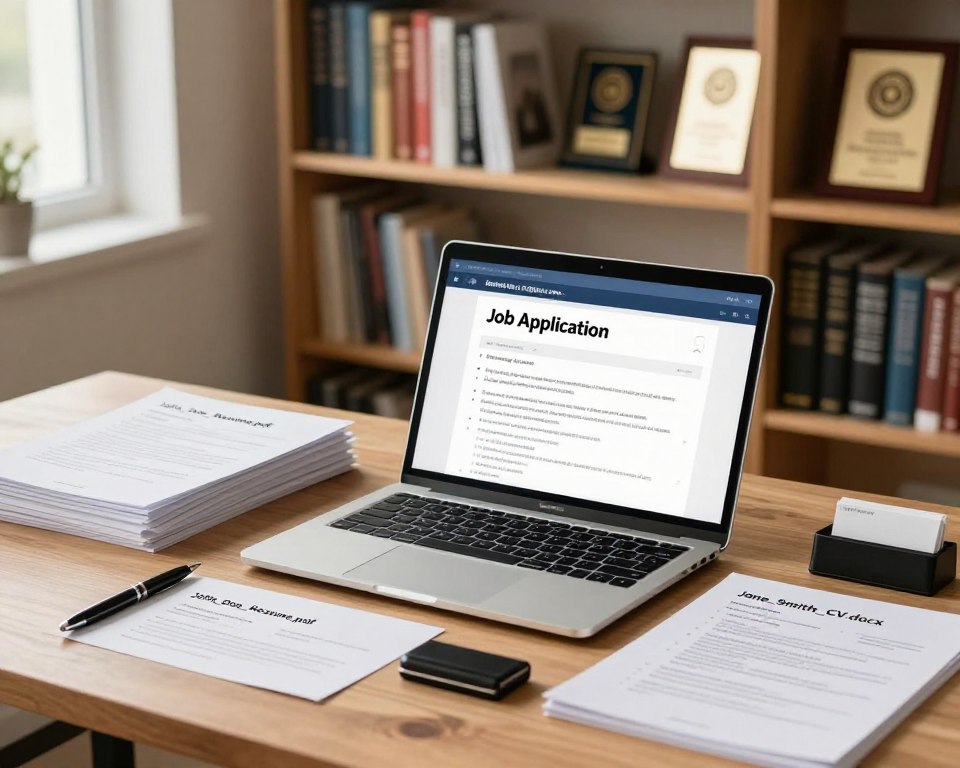
A descriptive name helps the hiring team stay organized. They can identify your document without opening every file in their inbox. A good name cannot replace your qualifications, but it prevents unnecessary confusion during screening.
Compare your file with other applications. Generic labels like “coverletter” or “my_resume” make you look like an amateur. Choose a clear name so your application stays at the top of the pile.
| Filename Style | Impact on Recruiter | Professional Rating |
|---|---|---|
| resume.pdf | Confusing and generic | Low |
| John_Smith_Resume.pdf | Clear and identifiable | High |
| final_version_v2.pdf | Unprofessional and messy | Low |
| Jane_Doe_Marketing_Manager.pdf | Highly professional | Excellent |
Use this standard resume filename format
A clear, consistent naming style helps recruiters find your documents quickly. Using a professional document naming convention shows organization and attention to detail. Clear filenames reduce delays during the hiring process.
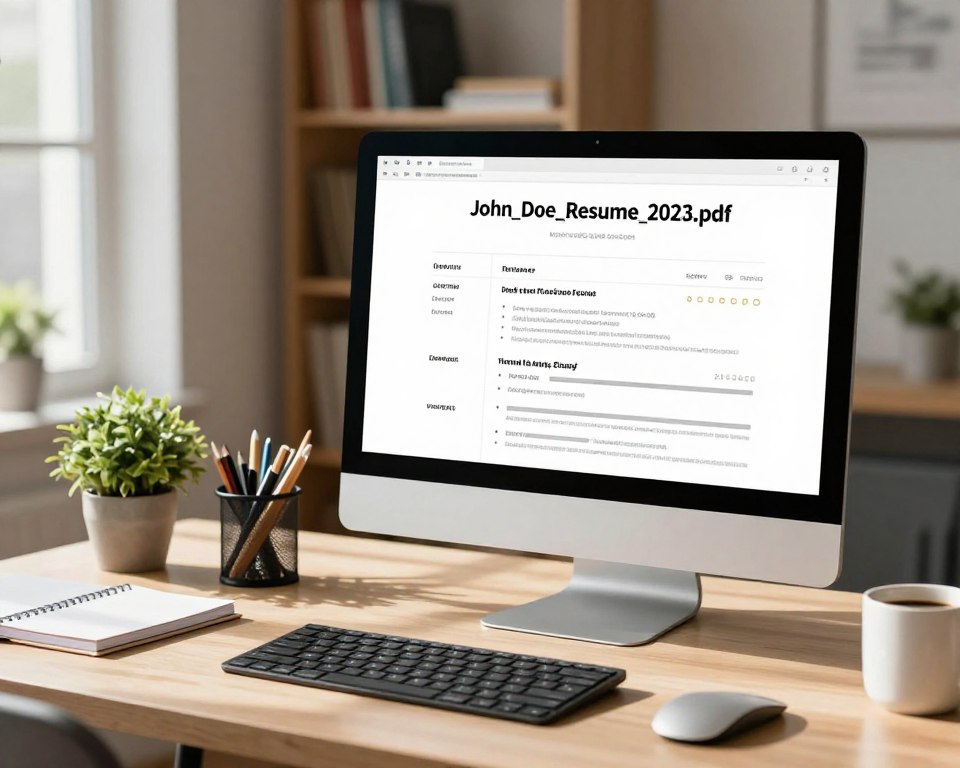
Your full name plus “Resume”
Combine your first and last name with the word “Resume” for a reliable filename. This simple format prevents confusion. For example, Sarah-Miller-Resume.pdf gives any hiring manager a clear file to track.
Your name plus the target job title
Add the job title when applying for a specific role. This format highlights your focus for a particular opening. Sarah-Miller-Marketing-Manager.pdf tells the recruiter which role you want.
Your name plus a version or date
Use dates or version numbers with caution. Most experts suggest removing these details before you submit your application. A clean final version is better than a file labeled “v2” or “final-final.”
Always check that your file extension matches the saved format. If you save your document as a PDF, use the .pdf extension, not .docx. The wrong file extension can stop a recruiter from opening your document.
| Naming Style | Example | Status |
|---|---|---|
| Standard | Sarah_Miller_Resume.pdf | Recommended |
| Targeted | Sarah_Miller_Marketing_Manager.pdf | Recommended |
| Messy | Resume_Final_v3.docx | Avoid |
| Unprofessional | My_Resume_2024.pdf | Avoid |
Put your name first so recruiters can find it quickly
When a recruiter opens your folder, your name should be the first thing they see. By placing your first name before your last name, you create a familiar and readable format that is easy to scan. This simple change helps hiring managers identify your documents in a crowded digital inbox.
This order also helps distinguish your files when candidates share similar surnames. The filename acts as a quick identifier, but your actual contact information—phone number, email address, and location—belongs inside the document. Keep your name consistent across your resume, cover letter, and portfolio to create a professional image recruiters appreciate.
Consistency helps you stay organized during a busy job search. Using the same naming style for every attachment keeps your materials from being lost or mislabeled. Compare these naming styles for clarity and professional impact.
| Naming Style | Readability | Professionalism | Includes Contact Information |
|---|---|---|---|
| Firstname_Lastname_Resume | High | Excellent | No (Inside document) |
| Lastname_Firstname_Resume | Medium | Good | No (Inside document) |
| Resume_Final_Version | Low | Poor | No (Inside document) |
Decide whether the job title belongs in the filename
Customizing your resume filename with a job title helps when you manage several versions. When you apply for different roles, job title customization keeps files organized and helps you send the right document to each recruiter.
For a general application, a simple format like Sarah_Miller_Resume.pdf works well. For a specific role, adding the job title makes the file clearer. For example, Sarah_Miller_Marketing_Manager_Resume.pdf shows the hiring team your target position before opening the file.
While job title customization helps, avoid obscure abbreviations. If the posting says “Senior Project Manager,” do not shorten it to “Sr_Proj_Mgr.” Use the full, familiar title from the job description to prevent confusion.
“A clear and descriptive filename is the first impression a recruiter has of your attention to detail and professional organization.”
Remember that shorter filenames are often better. A long filename may be cut off in some email systems or applicant tracking portals. If the company gives naming instructions, follow them instead of your own system.
| Format Type | Example Filename | Best Use Case |
|---|---|---|
| Simple | Jane_Doe_Resume.pdf | General applications or networking |
| Targeted | Jane_Doe_Sales_Lead_Resume.pdf | Specific job postings |
| Versioned | Jane_Doe_Sales_Lead_V2.pdf | Tracking multiple document edits |
Add the employer name only for tailored resume versions
Adding an employer’s name to your resume file is common, but it often causes more harm than good. It may seem helpful, but hiring managers usually find it unnecessary. Most recruiters prefer a clean, consistent format that highlights your identity, not their company.
In most cases, avoid adding the company name to your file. It creates long, clunky filenames that are harder to read in a crowded inbox. Instead, use job title customization so your document stands out for the right reasons.
However, some situations make including the employer name useful. If a job advertisement explicitly asks for its name in the file, follow those instructions. If you manage multiple resume versions for different companies on your own computer, the name can help you stay organized.
“Simplicity is the ultimate sophistication when it comes to professional communication. Keep your files clean, clear, and easy for the recipient to identify at a glance.”
Always remember that specific employer instructions take priority over general job title customization rules. If the portal or job description provides a naming convention, follow it exactly. If neither does, keep your filename concise with your name and document type.
| Scenario | Action | Reasoning |
|---|---|---|
| General Application | Exclude Employer Name | Keeps the filename clean and professional. |
| Explicit Instructions | Include Employer Name | Shows attention to detail and follows rules. |
| Personal File Storage | Include Employer Name | Helps you track which version goes where. |
Keep different resume versions easy to tell apart
Effective version control keeps a long job hunt manageable. You may have dozens of drafts on your hard drive, but a hiring manager needs one polished document. Store personal files in specific folders to track progress without cluttering the final output.
When you apply, avoid filenames with labels like “v2,” “final-final,” or outdated dates. These tags can make recruiters think you are disorganized or unsure about your work. A clean, professional filename shows that you considered every application detail.
Rather than using numbers for edits, use the target job title to distinguish your files. This version control method gives clear context to you and the employer. A stable naming convention makes your attachment look finished and ready for review, reducing uncertainty for the reader.
Choose PDF or DOCX based on the application instructions
Choosing the right file extension helps your resume appear as intended. Your preference may differ, but employer instructions should guide you.
If a job posting asks for a specific format, follow that request exactly to avoid technical issues.
A PDF is often safest because it locks in your formatting. It keeps fonts, margins, and spacing consistent on phones, tablets, and desktop computers. However, older application portals or internal workflows may require a DOCX file to process your data correctly.
For applicant tracking system compatibility, create the file carefully, not just select the format. Export your resume as a text-based PDF from programs like Microsoft Word or Google Docs. Automated software often cannot read image-based files from design tools like Photoshop or Canva.
Before uploading, check your PDF metadata and document properties. In your file settings, confirm your name and contact details. Check the visible filename and actual file extension to ensure everything is ready for the hiring team.
Name your resume correctly for online application portals
When you click upload, your resume filename may change in unexpected ways. Many online portals remove spaces or replace special characters with underscores or dashes. A poor filename can look unprofessional or become hard for the hiring team to read.
Use a simple format, such as FirstName_LastName_Resume.pdf or FirstName-LastName-Resume.pdf. Letters, numbers, hyphens, and underscores keep your file stable across platforms. This habit improves your applicant tracking system compatibility by preventing errors during the initial data ingestion phase.
Always check that your file extension stays intact after you choose the document to upload. A portal may truncate the name or remove the extension, keeping the recruiter from opening your file. A quick look at the preview window can prevent this common technical problem.
A good name is not the only part of applicant tracking system compatibility, but it is a key step. Clean naming helps the software read your information without getting stuck on unusual characters. Simple names help your resume get indexed correctly and prepare it for review.
Before submitting, check that the portal shows the correct file extension and the intended name. This final check confirms that your document is ready for the recruiter to download and read. These small steps show attention to detail and readiness for the technical side of your job search.
Use a clear attachment name when applying by email
When you send a job application, file labels matter as much as your cover letter. Clear hiring manager email attachments help recruiters stay organized and keep files from getting lost in busy inboxes.
Unless the job posting asks for one combined document, send each file as a separate attachment. Use a simple, professional format, such as FirstName_LastName_Resume.pdf and FirstName_LastName_CoverLetter.pdf. These names let readers open the files they need without searching through one cluttered document.
Your file names should match the information in your email. List your contact information clearly in the email body so recruiters can reach you easily. Avoid repeating long phrases from your subject line in your file names.
Before sending, perform a final quality check by opening every attachment. Confirm you chose the correct document version and followed the job posting’s instructions. This crucial step shows you are detail-oriented and ready for the role.
Avoid filenames that look careless or confusing
A messy filename can make a great candidate seem disorganized. When you send a file named “Resume06092025.docx” or “John_Smith_Resume_Ver2.pdf,” you may signal poor attention to detail. These names may include needless dates or confusing version control labels that help no one on the hiring team.
Avoid symbols, slashes, or apostrophes in your document titles. Some applicant tracking systems struggle with these characters, which could cause rejection or corruption. Also avoid all caps because they can seem like shouting at the hiring manager.
Label your files carefully. Specific employer names or internal version control codes can create clutter instead of clarity. If you track your own drafts, keep those notes in a separate folder on your computer, not the final filename.
Use a simple, readable format instead of complex strings. A clean name like “Firstname_Lastname_Resume.pdf” is professional and easy for any recruiter to identify at a glance. Consistency is key for making a strong, lasting impression on your potential employer.
Run a final filename check before you apply
Your job search can depend on details that recruiters notice right away. Before you hit submit, quickly check your document. Confirm your full name is spelled correctly, with the right separators, such as underscores or dashes.
Check that your file extension matches the job posting requirements. A professional document naming convention helps hiring managers organize their folders. It also supports applicant tracking system compatibility when your file enters their database.
Open the file one last time and check its layout. Confirm it is the latest version and has no draft labels. Your resume file name for applications creates a first impression, but your skills and experience remain the main reasons you land an interview.
Review these items before sending your materials to companies like Google or Microsoft. A clean, properly named file shows attention to detail. Good luck with your next career move.