ADVERTISEMENT
AnyList has a 4.9-out-of-5 rating from 82,000 App Store ratings. It combines shared grocery lists, recipes, and meal planning in one place.
Grocery list apps with sharing let everyone see list changes as they happen. AnyList works on iPhone, iPad, Mac, PC, and the web. This makes it useful for households with different devices.
Collaborative shopping lists can reduce missed items and duplicate purchases. They also support household meal planning by keeping recipes and groceries connected.
ADVERTISEMENT
Key Takeaways
- AnyList combines grocery lists, recipes, and meal planning.
- Shared list updates appear for everyone using the list.
- AnyList works across Apple devices, PC, and the web.
- Collaborative shopping lists help households coordinate errands.
The Best Grocery List Apps With Sharing for Household Planning
The right app can simplify household meal planning by keeping shopping details in one shared place. These grocery list apps with sharing fit different routines, from recipe preparation to quick family shopping trips.
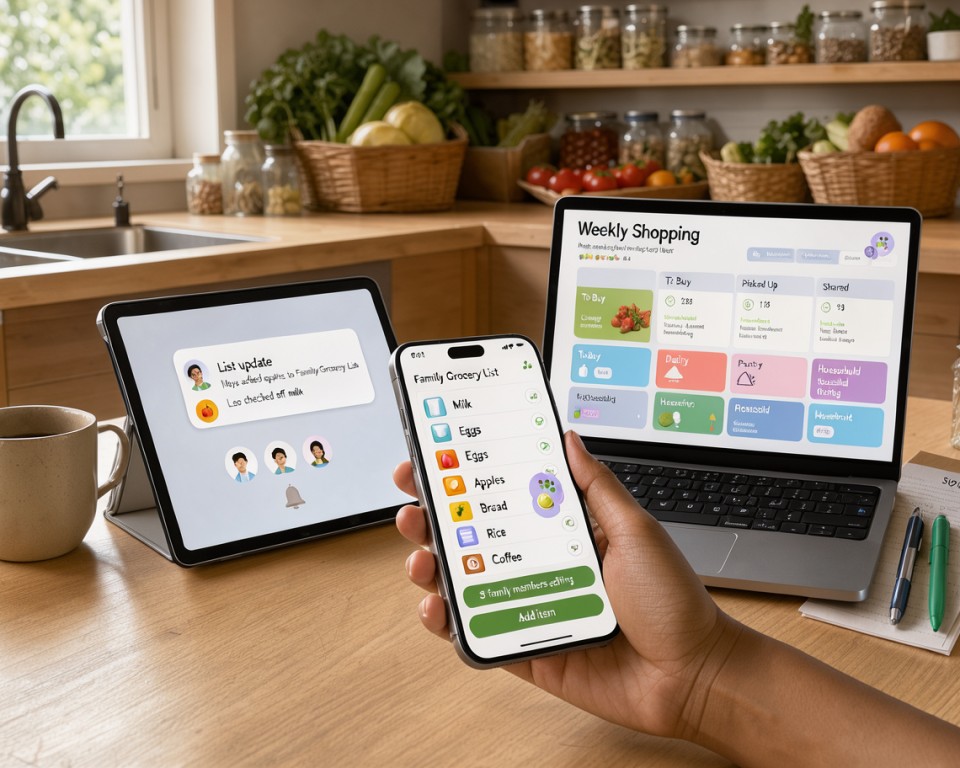
AnyList for detailed lists and recipe planning
AnyList suggests common items as you type and sorts them by category. You can share a list with family or friends, add recipe ingredients, and plan meals on a calendar. Its recipe ingredient import connects meal ideas with the items you need.
OurGroceries for multi-person household shopping
OurGroceries is worth considering when several people need to join household shopping. Compare its current features with your family’s needs before choosing it.
Bring! for shared lists across iPhone and Android
Bring! suits households that want to share lists across iPhone and Android devices. Check the app’s current options to see whether they fit your shopping routine.
Apple Reminders for Apple households
Apple households can use Reminders to keep grocery tasks and shared lists in the Apple ecosystem. It may suit shoppers who want a familiar, built-in tool without adding another app.
How Shared Grocery Lists Work Across Household Devices
Shared lists keep household shopping organized in one place. With collaborative shopping lists, everyone can check needs and update items from a supported device.
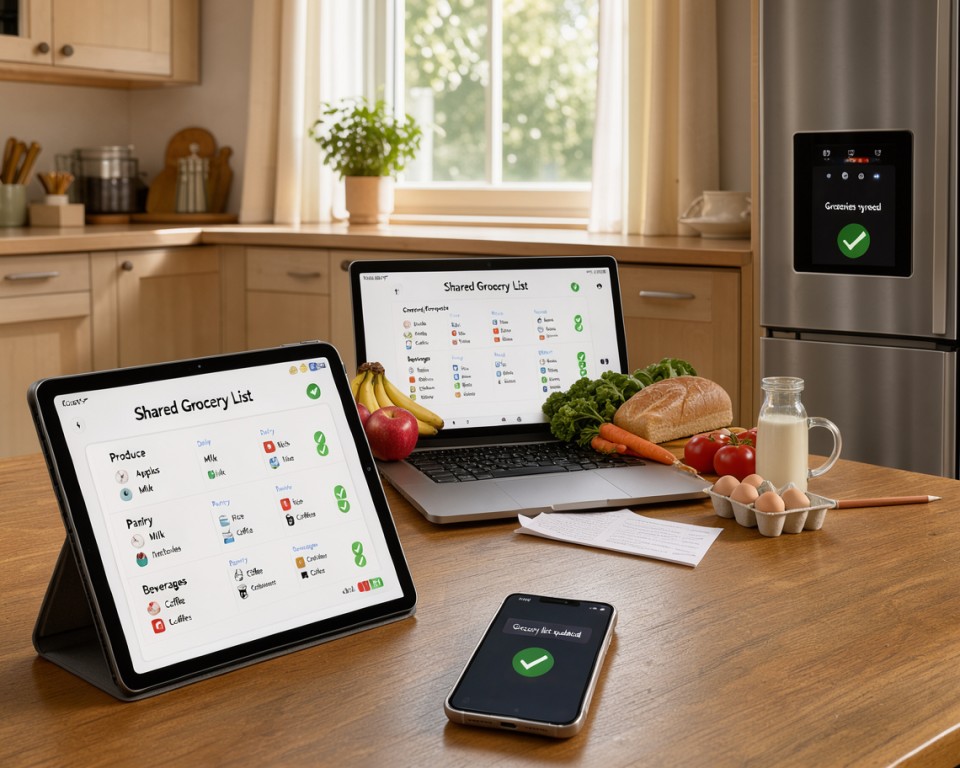
Inviting household members to a list
AnyList lets users share a list with family and friends. Everyone can then use the same items, though invitation steps may vary by app.
Syncing edits and checked-off items in real time
AnyList changes appear instantly for everyone sharing the list. Its real-time list syncing works across iPhone, iPad, Mac, and web apps.
Household members can update lists from home, work, or on the go. Shoppers see checked-off items while someone else shops, helping prevent duplicate buys.
Managing access, notifications, and list permissions
Sharing controls differ by app, so check its settings to see who can view or edit a list. Notification options and permission levels depend on the service.
| Shared-list feature | What it helps with |
|---|---|
| List sharing | Lets family and friends use the same grocery list. |
| Real-time list syncing | Shows changes to shared AnyList lists across supported devices. |
| Checked-off items | Helps shoppers track what someone else has already picked up. |
| Access settings | Let households review who can view or edit, based on the app. |
Which Sharing Features Prevent Missed or Duplicate Items?
Good sharing tools keep every shopper informed. They offer quick updates, clear item details, and product images.
Real-time updates and item check-offs
With real-time list syncing, changes appear on every household member’s device right away. If one person checks off milk, others know it is in the cart and avoid buying another carton.
Assignments, notes, and quantity details
Notes can clarify a brand, size, or amount, such as “two cans” or “the unsweetened kind.” Some grocery list apps include notes and quantities. The app descriptions here do not confirm assigning each item to a specific shopper.
Category groups make lists easier to scan. In AnyList, users can rearrange categories to match a store’s layout, supporting aisle-based organization.
Shared recipes, photos, and product information
Recipe details help shoppers connect ingredients with planned meals. AnyList supports item photos, while some grocery list app descriptions include photos and barcodes. These details help household members identify the right product while using collaborative shopping lists.
Can You Use These Grocery List Apps for Free?
Many grocery list apps with sharing offer basic lists at no cost. AnyList’s free version includes core tools and simple family sharing.
What free versions usually include
A free plan may let you add items, check them off, and share a list. Limits differ, so check features before changing your household’s routine.
Pantry inventory tracking meets a different need than shared shopping lists. AnyList’s listed features do not mention pantry inventory tracking. Confirm support if you want to track items already at home.
When paid upgrades may be worthwhile
AnyList Complete may suit households that want more than basic lists. The App Store lists it at $9.99 for an individual 12-month subscription or $14.99 for a one-year household subscription.
Complete features include meal planning, recipe imports, item photos, price tracking, and store-specific tools. It adds desktop and Apple Watch access, recipe scaling, list themes, a passcode lock, and folders. These tools can help if your household uses them often.
Which App Works Best for iPhone, Android, and Mixed Households?
The best choice depends on your household’s devices and where you manage lists. Check platform support before inviting everyone. Features can vary by app and device.
Apple-only households
Apple Reminders fits households that already use iPhone. AnyList offers more planning tools and supports iPhone and iPad. It also has Mac and web apps that sync changes with those devices.
Its listing requires iOS 18.0 or later for iPhone and iPadOS 18.0 or later for iPad. It requires watchOS 10.6 or later for Apple Watch.
Households using both iPhone and Android
Choose an app whose current listing names both iPhone and Android support. This lets everyone use the same collaborative shopping lists, even with different phones. Also seek real-time list syncing, so shoppers see edits and checked-off items without sending messages.
Lists that need web or desktop access
A browser or desktop option helps when someone plans meals at a computer or lacks a nearby phone. Among grocery list apps with sharing, compare listed devices and access options before choosing.
| Household need | What to check |
|---|---|
| Apple devices | Apple Reminders or AnyList; check device and OS requirements. |
| iPhone and Android | Confirm both platforms support shared lists. |
| Web or desktop use | Check for browser or computer access; AnyList offers Mac and web apps. |
How to Set Up a Shared Grocery List Before Your Next Trip
Some setup makes a shared list easier to use in a busy store. Use aisle-based organization, add clear details, and track household staples along your usual route.
Grouping items by store section
Use aisle-based organization to group produce, dairy, and pantry goods. AnyList suggests common items as you type and sorts them by category. Rearrange categories to match your store’s layout and follow your usual path.
Adding quantities, brands, and substitutions
Add the amount and preferred brand when they matter. A short note or product photo can help shoppers choose the right size or flavor. Add a substitute so shoppers have a backup when an item is out of stock.
Saving recurring staples and favorite items
Save recurring grocery items as favorites or keep a short staple list if your app offers these options. For pantry inventory tracking, check supplies before adding items. This habit can reduce duplicate buys and last-minute gaps.
How to Coordinate Shopping When People Split the List
When two people shop at once, a shared list keeps each trip focused. Agree who will pick up each item group before leaving. Use collaborative shopping lists to keep the plan together.
Assigning Items to Different Shoppers
Some grocery apps do not list a feature for assigning items to specific shoppers. Make a quick plan: one person handles produce, while the other picks up pantry goods. If your app supports notes, mark who will buy each group.
Keep recurring grocery items on the shared list, and agree who will restock them. This simple step can help prevent duplicate purchases at different stores.
Updating the List During the Shopping Trip
Choose an app with real-time list syncing, so everyone sees changes as they happen. AnyList says shared-list changes appear instantly. Some grocery list apps let household members add items from different locations, check them off in stores, and share updates.
With AnyList, shoppers can add items using Siri. Its App Store listing says Alexa can add items, too. Voice entry helps when someone remembers a missing ingredient mid-trip.
| Shopping task | Helpful shared-list habit |
|---|---|
| Split the list | Agree on who will shop for each group before leaving. |
| Track purchases | Check off each item as it goes into the cart. |
| Add a forgotten item | Enter it on the shared list or use voice entry if available. |
| Avoid duplicate buys | Check for recent updates before purchasing an item. |
When a Shared Grocery List App Beats a Group Chat
Group chats can bury grocery requests under unrelated messages. Grocery list apps with sharing keep each item in one place, so everyone sees what the household needs without scrolling.
AnyList sorts items by category and shows edits to everyone on the list. Shoppers can add notes or photos to identify the right product, then send recipe ingredients straight to the list. One reviewer said this helped their household talk less about what to buy.
For collaborative shopping lists, live updates matter most when two people shop at once. One shopper can check off an item, and the other sees the change right away. This keeps household meal planning clear, even when plans shift during the day.
Conclusion
The best grocery list apps with sharing keep everyone informed. Real-time updates prevent duplicate buys, while clear categories simplify each store trip.
For household meal planning, AnyList combines recipes, shared lists, and a calendar. Its recipe ingredient import feature sends ingredients straight to a grocery list. Lists work across supported mobile, desktop, and web apps.
AnyList is free, with optional in-app purchases. Its Complete plan offers individual and household subscriptions. These options may suit families seeking more planning tools.
Choose an app that fits how your household shops. Keep recurring grocery items easy to find, and update the shared list as plans change.