ADVERTISEMENT
Grocery prices rose about 24% in five years. One estimate places the average household bill at $519 a month. Even small discounts deserve attention.
Coupon finder apps for groceries can help you find digital grocery deals before shopping. Pair a price-comparison tool with a cash-back app and grocery savings apps. Use your store’s loyalty app to check prices, claim rebates, and find store offers.
ADVERTISEMENT
Key Takeaways
- Grocery savings apps can help reduce the cost of regular shopping.
- Compare prices before you head to the store.
- Use cash-back apps to find rebates on eligible items.
- Check your store’s loyalty app for member-only deals.
- Plan purchases around offers for items already on your list.
Start with the savings method that fits your grocery routine
Before trying coupon finder apps for groceries, decide where you want to save time or money. Some compare prices, while others show store ads, track cash back, or collect loyalty deals.
Plan a few meals, set a spending limit, and make a list before shopping. This shopping list budgeting routine helps you focus on needed items instead of deals that may make you spend more.
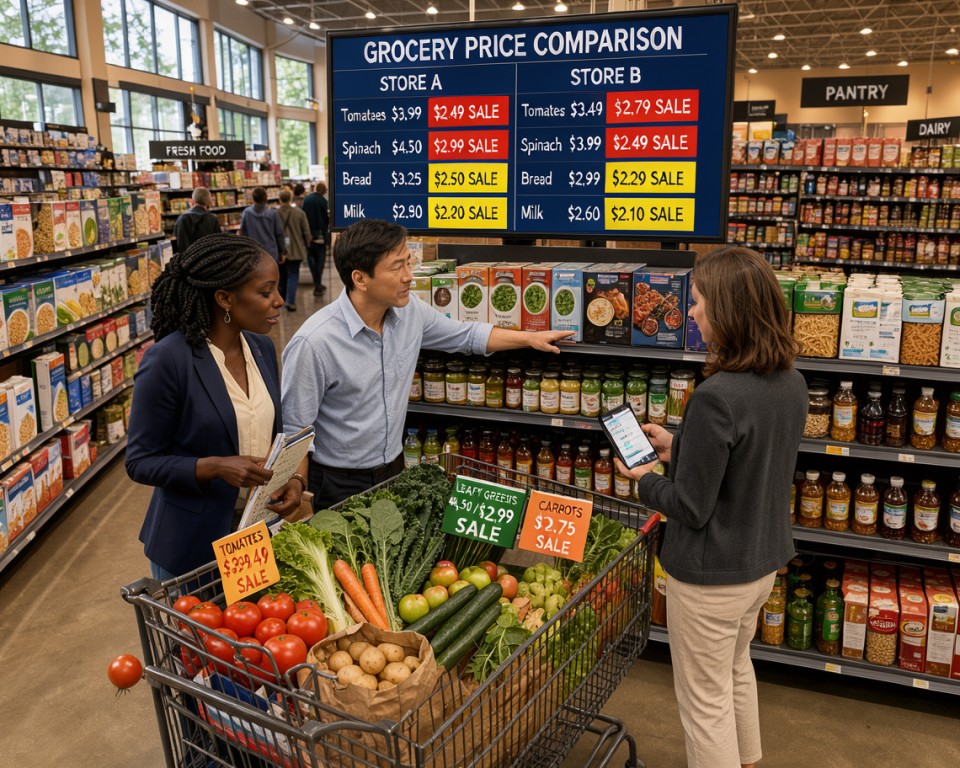
For a flexible setup, use GroceryChop for grocery price comparison. Use Ibotta or Fetch for eligible cash-back offers, and your usual store’s app for loyalty discounts. GroceryChop is free in a browser and on iPhone and Android, and basic use does not require an account.
| Savings method | Useful for | Example |
|---|---|---|
| Price comparison | Checking costs across nearby stores | GroceryChop |
| Cash back and rewards | Earn-back offers on qualifying purchases | Ibotta or Fetch |
| Store loyalty deals | Discounts tied to your preferred grocery chain | Your store’s app |
| Meal and list planning | Keeping purchases within your weekly limit | A planned list and budget |
Compare coupon, cash-back, receipt, and weekly-ad apps
Grocery apps meet different needs. Some cut prices at checkout, while others reward purchases or help you plan for sales. Choose tools that fit how you shop.
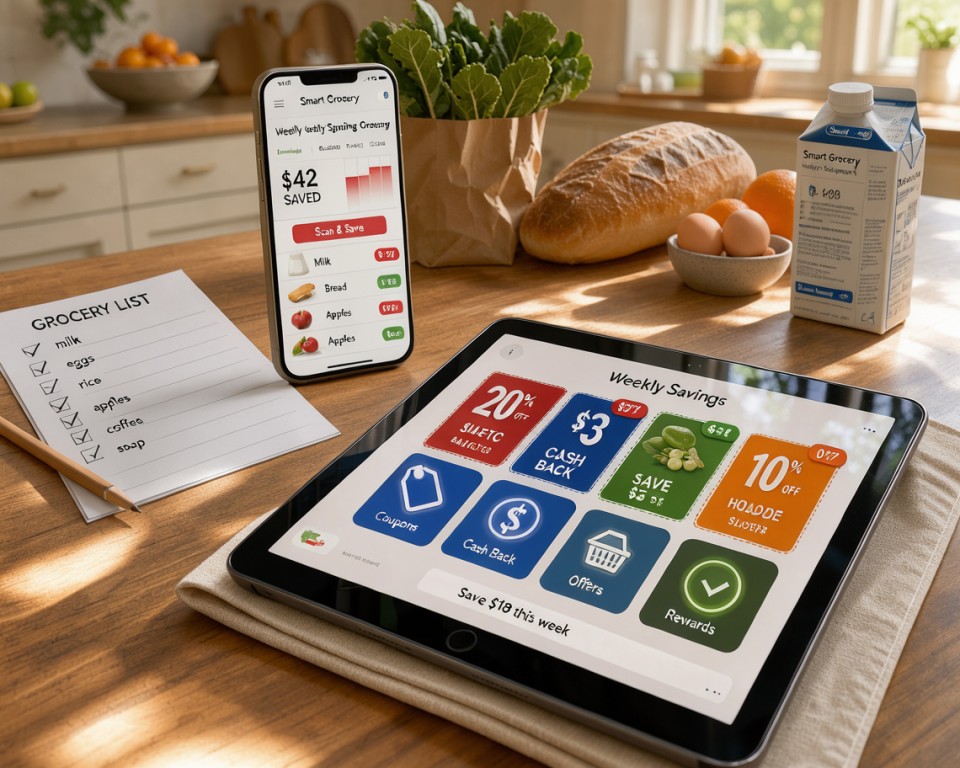
Digital coupon apps for discounts at checkout
Digital manufacturer coupons lower prices on specific products at checkout. Coupons.com offers printable coupons, while store apps such as Kroger and Target now feature many digital offers.
Cash-back apps for qualifying grocery purchases
Cash-back apps offer rebates on selected items. With Ibotta, shoppers activate offers, link a loyalty account, or upload a receipt to claim cashback rebates on food.
Receipt-reward apps for broader grocery savings
Receipt rewards apps can offer points for many grocery purchases, not only items with active deals. Fetch awards points when you scan a receipt, and it does not require offer activation.
Weekly-ad apps for planning around store sales
Flipp gathers weekly store circulars from more than 2,000 retailers in the United States and Canada. Searchable flyers and digital coupons can help you build a list around local sales.
Grocery coupon finder apps to consider in the United States
These apps offer savings through checkout discounts or receipt points. Compare steps and store coverage before choosing coupon finder apps for groceries.
Ibotta for item-based cash back
Ibotta lists hundreds of offers at major chains, including Walmart, Target, Kroger, Publix, Albertsons, and Safeway. Find and activate each offer before shopping, then follow its terms to earn real cash back.
The cash-out minimum is $20. Offers can make cashback rebates on food worthwhile when they match items on your list.
Fetch for receipt-based rewards
Fetch awards points for eligible receipts, with no need to activate offers before shopping. It accepts receipts from many stores, including farmers markets and small chains. That flexibility makes it one of the more useful receipt rewards apps.
Scanning every receipt may bring a typical household about $5 to $15 per month. Rewards vary with purchases and offers.
Coupons.com and Shopmium for grocery offers
Coupons.com helps shoppers find printable manufacturer coupons. Check coupon details for product rules and redemption terms before visiting the store.
Shopmium’s available offers and redemption steps can vary. Review current app details to see whether its offers fit your store and shopping plans.
Flipp and retailer apps for local deals
Flipp gathers weekly ads from more than 2,000 retailers in the United States and Canada. Use it to browse local sales and plan your list around current prices.
Retailer apps from Kroger, Target, Safeway, Publix, and H-E-B can offer digital manufacturer coupons and loyalty deals. Check the store’s app for current offers and purchase rules.
Check whether an app works at your grocery store
Before planning around an offer, check whether the app covers your store and ZIP code. Coupon finder apps for groceries may list many retailers, but offers can vary by location.
| App or service | Store coverage | What to check |
|---|---|---|
| GroceryChop | Compares live prices across more than 100 U.S. chains, including Walmart, Kroger, ALDI, Costco, Publix, and H-E-B. | Confirm your store is included in your area. |
| Instacart | Works with more than 1,400 retailers in North America, including Wegmans, Sprouts, and Whole Foods. | Retailer selection can vary by location. |
| Flipp | Lists ads from more than 2,000 U.S. and Canadian retailers. | Ads appear only when retailers upload them. Trader Joe’s and many ALDI items may be missing. |
| Fetch and Ibotta | Fetch accepts receipts from any store; Ibotta covers most major chains. | Check offer rules before shopping. |
| Walmart app | Designed for Walmart purchases. | Use it for Walmart local grocery deals. |
Check whether your store’s grocery loyalty programs link to the app. This can show which discounts apply at checkout and help you find local grocery deals.
Build your shopping list before opening the apps
Check your pantry, refrigerator, and freezer before planning meals. Write down what you need, set a spending limit, and use shopping list budgeting to control impulse buys.
A grocery list app can make planning easier. AnyList sorts items by category and imports ingredients from recipe pages.
It also syncs lists with family members. The free version covers most needs. AnyList Complete costs $12 a year and adds web access, themes, and priority sync.
For a price comparison across nearby stores, GroceryChop can show your full list’s cost at each location. It can identify the cheapest store. Before shopping, use your phone’s calculator to track the cart total and account for sales tax where it applies.
Search for offers on groceries you already planned to buy
Check Ibotta and other coupon finder apps for groceries to find deals on items already on your list. Spend five to ten minutes before shopping, then activate each offer before buying. Many deals feature branded products, so check the size and brand details.
Pair an eligible offer with a store sale when the rules allow it. A sale price plus digital manufacturer coupons or cashback rebates on food may beat either discount alone. Skip deals on unplanned items; even a low price can push your total over budget.
| Before you shop | What to check |
|---|---|
| Review your list | Look for offers on items you already plan to buy. |
| Activate the offer | Make sure it is active before checkout. |
| Check the final price | Confirm the sale and offer fit your budget. |
Combine app savings with store sales and loyalty discounts
Compare your full list at nearby stores before shopping. The same basket may cost 10% to 30% less at one store, but prices and savings vary. Check weekly store circulars for sale items that fit your meal plan.
Activate cash-back offers for items already on your list. Eligible purchases may earn another 2% to 5% back, depending on the offer and app. Flipp can help you search weekly ads and build a list around local deals.
Before checkout, open the store app for digital coupons and loyalty deals. Kroger, Target, Safeway, Publix, and H-E-B offer savings through their apps. Review the coupon stacking rules and your grocery loyalty programs to see which discounts can be combined.
Submit receipts correctly and track pending rewards
Take a clear photo of each receipt, and check that the store, date, and items are easy to read. Follow the app’s prompts for uploads or barcode scanning; requirements can vary. Save the receipt until the reward appears in your account.
Fetch, one of the receipt rewards apps, awards points for grocery and retail receipts from any store. Its offers do not need activation before you shop. A household scanning every receipt may earn about $5 to $15 per month, though results vary.
Ibotta lets you link a loyalty card or upload a receipt, with a $20 cashout minimum.
For Checkout 51, upload a receipt with qualifying purchases. Its offers refresh every Thursday, and payment is available by direct deposit or PayPal. Track each app’s reward status, spot missing cashback rebates on food, and follow up while the receipt is handy.
Watch for exclusions, limits, and purchase requirements
Read each offer before shopping. Ibotta requires activation before purchase, and you need a $20 balance to cash out. Finding and activating deals takes time, so check for savings on items already on your list.
Fetch does not require activation, but it gives points instead of cash. Checkout 51 has fewer offers and store integrations than Ibotta, plus a slower payout process. Flipp shows weekly ads, not live prices, and its listings depend on retailer uploads.
Check grocery coupon terms for item details and purchase limits. Review coupon stacking rules before combining store deals with digital manufacturer coupons. Offer terms can change, so confirm them in the app before checkout.
Turn coupon savings into a weekly grocery budget
The Bureau of Labor Statistics estimates that households spend $519 a month on groceries. Use this figure as a guide, not a rule, and set a weekly grocery budget that fits your household.
Plan meals, check your pantry and freezer, and make a list before shopping. Shopping list budgeting can prevent duplicate buys and food waste. Coupon finder apps for groceries may add savings, but seek offers on items already on your list.
Keep a running total, limit extra store trips, and follow your plan to curb impulse buys. Compare prices, use cash-back offers, and check a store app. These steps may save 10% to 25% versus paying full price at one store.
Keep personal data and notifications under control
Before creating an account, check what the app asks you to share. GroceryChop offers basic list features without sign-in, while an account adds cloud syncing and shareable links. Price-drop alerts track watched items, so choose alerts that fit your needs.
Review grocery app account settings and notification permissions before linking a store card or turning on alerts. Ibotta can verify purchases through a linked loyalty card or receipt upload.
Fetch uses barcode scanning on receipts to award points. Review each app’s privacy details for information about data use and account controls.
Receipt rewards apps can make saving simple, but share only information you feel comfortable providing. Turn off unwanted alerts, and avoid linking accounts unless you need the feature.
Conclusion
The best coupon finder apps for groceries fit your routine. Try GroceryChop to compare prices, then use Ibotta for offers you activate, or Fetch for receipt rewards. Your store’s app can also show loyalty deals.
Use Flipp to check weekly ads, or AnyList to plan meals and share a shopping list. Set a budget before you shop, and follow your list to cut waste and avoid extra purchases.
With a simple plan, grocery loyalty programs and cashback rebates on food can lower your bill without phone clutter. Keep the tools that save you time and money, and skip the rest.