ADVERTISEMENT
A weak signal does not have to end an interview recording. Rev saves audio to your phone in offline recording mode, then uploads it when your connection returns. This makes Rev one of the voice recorder apps for interviews to consider when you need clear interview audio.
Rev also shows a lock-screen indicator while it records. Calls, alarms, and notifications will not stop recording. The app also offers live transcripts and sharing controls.
ADVERTISEMENT
Key Takeaways
- Rev can record without a signal.
- Audio uploads after your connection returns.
- A lock-screen indicator helps you check that recording is active.
- Calls, alarms, and notifications won’t stop a recording.
- Live transcripts and sharing controls are available.
How to choose a voice recorder app for interviews
The right app should fit your gear, workflow, and recording needs. Before choosing, compare sound quality, file options, and tools that help you find key moments.
Check audio quality and file formats
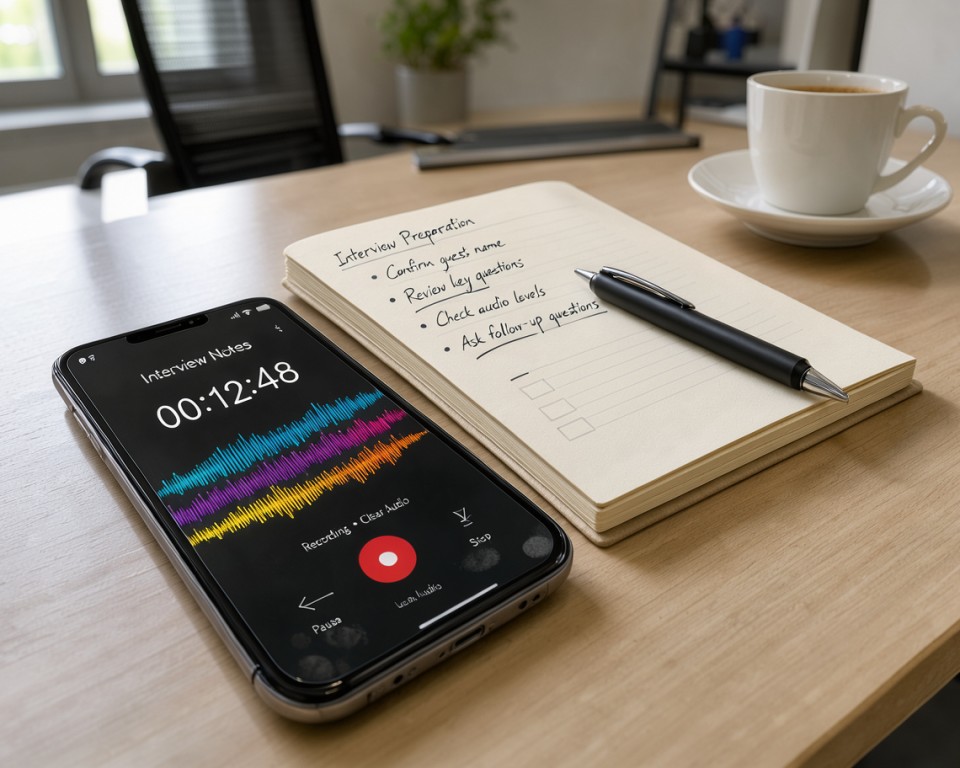
Choose clear recordings and audio file formats that work with your editing tools. Easy Voice Recorder supports PCM and MP4, while AMR uses less storage. Its Pro version adds MP3, FLAC, and AAC.
A separate MayBest digital recorder listing offers WAV recording and 64 GB of storage. It claims a capacity of up to 750 hours. Actual recording time can vary by settings, so check the details before buying.
Look for transcription, search, and export tools
If you plan to turn interviews into text, check for transcription software or built-in transcription features. Search tools can help you find quotes faster, while flexible export options make sharing audio with an editor easier.
Check for speaker identification only if you need it. App features vary, so confirm that the tool can label speakers before relying on it.
Match the app to your interview setup
Think about where and how you record. Easy Voice Recorder supports phones, tablets, and smartwatches, which may suit different setups. Compare voice recorder apps for interviews based on your device, available storage, and whether you record in person or remotely.
Which apps are best for straightforward in-person recording?
For a face-to-face interview, a recorder made for your phone offers a simple start. These voice recorder apps for interviews work with familiar devices. Check each app’s current settings before relying on any feature.
Apple Voice Memos for iPhone interviews
Voice Memos is Apple’s built-in choice for iPhone users. Make a short test recording, then confirm where the audio is saved. Check your version before expecting an offline recording mode or transcription tools.
Google Recorder for Google Pixel interviews
Google Recorder is the Pixel option to consider. Review its current recording and export settings before the interview. If you need to mark key moments, keep timestamped notes in a separate notes app.
Samsung Voice Recorder for Galaxy interviews
Galaxy owners can start with Samsung Voice Recorder. Check its settings because features may vary by device or software version. A test confirms that recording works for your setup.
| App | Best fit | Check before recording |
|---|---|---|
| Apple Voice Memos | iPhone interviews | Save location and available recording options |
| Google Recorder | Google Pixel interviews | Recording, transcript, and export settings |
| Samsung Voice Recorder | Samsung Galaxy interviews | Features available on your device and software version |
Which apps help reduce distracting background noise?
Room noise can compete with a speaker’s voice, even when your phone is nearby. These voice recorder apps for interviews use different methods for background noise reduction. Test an app before an important conversation.
Dolby On for quick sound enhancement
Dolby On enhances recordings with little setup. Try a short sample in the interview room, then listen for clear audio and a natural-sounding voice. Processing can change a voice, so check the result before relying on it.
Voice Record Pro for more recording controls
Voice Record Pro may suit users who want more control over recordings. Review its available settings and make a test clip before the interview. Keep the phone close to the speaker because good placement can limit distracting sounds.
Which apps record interviews and create transcripts?
Transcription software makes interviews easier to review and search. Before recording, compare audio, text, exports, and speaker identification features.
Otter.ai for searchable interview transcripts
Otter.ai can create searchable interview transcripts. Review its current features and plan limits before choosing it. For several voices, check whether its speaker identification tools meet your needs.
Notta for recording and transcription in one app
Notta combines recording and transcription in one app. Review its current recording and export options, then test a short clip. Clear audio helps transcription software create text that is easier to review.
Which apps work best for remote interviews?
Remote interviews need clear audio from both people and a reliable way to save files. These voice recorder apps for interviews fit different setups, including dedicated platforms and familiar video calls.
Riverside for separate remote audio tracks
Riverside records each guest on a separate audio track, making edits easier when one voice needs cleanup. It supports remote interview recording, so each person can use their own device and microphone.
Zoom for interviews already taking place on video calls
If your interview uses Zoom, its built-in recording can save the call and audio together. Cloud backup may depend on the host’s account and settings, so check them before the interview.
For phone recordings, Rev can save audio without a signal and upload it when the phone reconnects. Easy Voice Recorder Pro can automatically upload new recordings to Google Drive or Dropbox.
Which apps make interview recordings easier to edit?
A focused audio editing app can remove pauses and create a clean interview file. Ferrite and Lexis Audio Editor offer two mobile options.
Ferrite for editing interviews on iPhone
Ferrite gives iPhone users an app for audio editing. It suits interviewers who want to edit recordings on their phones. Check its current tools and export options before choosing it for a project.
Lexis Audio Editor for trimming and cleaning mobile recordings
Lexis Audio Editor can trim and clean mobile recordings. Before sharing an interview, check that its audio file formats fit your workflow. If you plan to use transcription software, keep an untouched copy of the original recording.
How to record clear interview audio with any app
Good sound starts before you press record. Simple choices help you capture clear interview audio with almost any phone app.
Place the phone close to the speaker
Set the phone on a steady surface, about a foot from the speaker. Keep the microphone clear of hands, papers, and clothing.
Choose a quiet location and monitor the recording
Pick a room away from fans, traffic, and busy hallways. Background noise reduction can help, but it cannot remove every sound.
Check the recording indicator during the interview. Rev shows recording status on the lock screen and keeps recording through calls, alarms, and notifications.
It saves audio without a signal in offline recording mode and uploads the file when connectivity returns. Easy Voice Recorder can record in the background, too.
Record a short test before starting the interview
Make a brief test and play it back. Listen for low volume, echo, or noise before the guest arrives. A MayBest listing claims 360-degree sound pickup, though customer feedback on noise reduction is mixed.
| Step | What to check | Why it helps |
|---|---|---|
| Place the phone | Keep it close to the speaker with the microphone uncovered | Captures a stronger, clearer voice |
| Choose the room | Listen for fans, traffic, and other steady sounds | Limits noise that can distract from speech |
| Test the app | Record and replay a short sample | Reveals sound problems before the interview begins |
How to save, share, and protect interview recordings
A clear recording helps only when you can find it later and control who hears it. Save the original before editing, and keep another copy in trusted cloud backup.
Back up the original audio file
Rev uploads recordings to your account when your phone reconnects and lets you share transcripts with selected viewers or editors. You can send a link, and permission icons show who has access.
Rev says it encrypts customer content and does not use customer files to train third-party AI models. It reports SOC 2 Type II certification and HIPAA-compliant workflows on Unlimited accounts.
Use practical file names and export formats
Use a date, topic, and speaker role in each file name, and keep timestamped notes separately. Keep the untouched recording and choose audio file formats that suit your needs.
Easy Voice Recorder Pro can upload files to Google Drive or Dropbox. It supports MP3, FLAC, and AAC exports; the free version supports PCM, MP4, and AMR.
Get permission before recording and transcribing
Ask each person for permission before recording or sharing their words. Store signed interview consent forms with the project files, and limit access to people who need the recording.
Conclusion
The best voice recorder apps for interviews depend on your phone, setting, and workflow. Choose a simple app for in-person talks, or use remote recording for separate audio tracks.
Clear sound starts with good mic placement, a quiet room, and a quick test. Background noise reduction can help, but it cannot replace careful recording.
If you need searchable notes, compare transcription software and check each app’s supported features. Rev can record without a signal and upload when service returns. Easy Voice Recorder offers search and sorting, but some features depend on the version.
Save the original audio, use clear file names, and set up cloud backup. Check current app features and sharing controls, and get permission before recording or transcribing an interview.