ADVERTISEMENT
A home inventory can turn a stressful insurance claim into a clear list of lost items. The National Association of Insurance Commissioners’ Home Inventory app lets you photograph belongings, scan barcodes, sort items by room, and export records.
Home inventory apps for insurance can help you estimate your belongings’ value before a loss. This digital property documentation supports disaster recovery planning and may help find damaged or stolen items when filing a claim.
Key Takeaways
- Record belongings before damage or theft occurs.
- Use photos, barcode scans, and room lists to organize items.
- Export your inventory so it’s ready when you need to file a claim.
How home inventory apps help document insured belongings
Home inventory apps turn a room-by-room walkthrough into clear digital property documentation. The NAIC Home Inventory app lets you take photos, scan barcodes, and sort belongings by room or category. You can export your records when needed.
ADVERTISEMENT
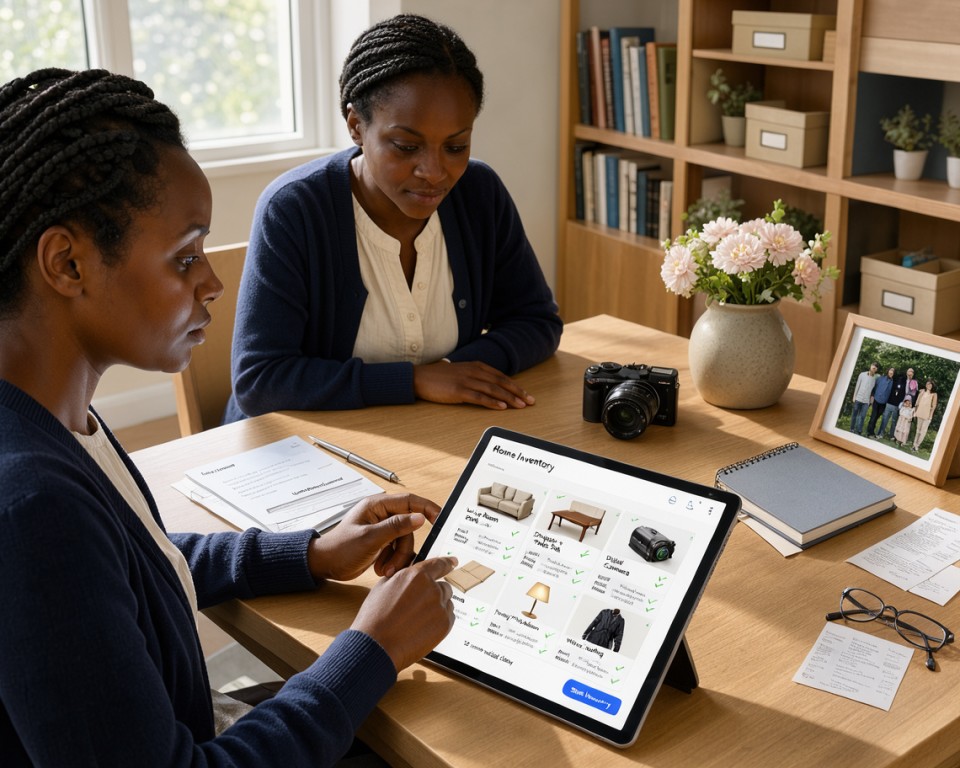
Other apps organize items and estimate the total value of your possessions. Records made before a loss can help identify damaged or stolen property. They also help you gather insurance claim evidence and may speed up the claims process.
Reviewing your list can show whether your personal property coverage matches the value of what you own. Home inventory apps for insurance keep these details together and easier to manage.
What information should an insurance-ready inventory include?
A useful inventory lists what you own and its likely replacement cost. Record items before a loss, while labels, receipts, and product details remain available.
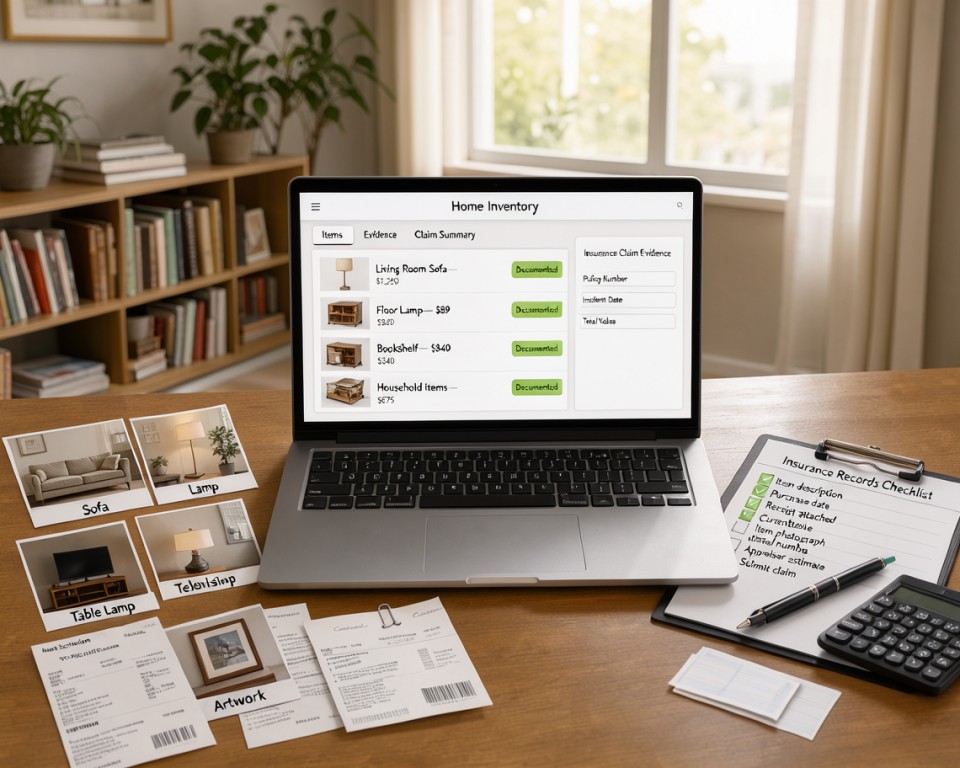
Item descriptions and purchase details
For each item, note its brand, model, serial number, quantity, purchase date, and price. Add the manufacturer’s name and product details when available. These facts identify the exact item and support an insurance claim.
Some apps scan barcodes or save SKU numbers, warranty dates, and manuals. Check each entry because an app may not estimate the item’s current value.
Photos, receipts, and ownership records
Take clear photos of each item and capture labels or serial numbers. Keep receipts and photo records with manuals, warranty details, and proof of purchase. These files can serve as insurance claim evidence if belongings are damaged or stolen.
Photograph items from more than one angle, and show the surrounding room for context. Store digital copies in a secure place you can reach if your home is damaged.
Replacement costs and valuable-item details
Start with belongings that may cost much to replace, such as furniture, electronics, jewelry, artwork, musical instruments, collections, and power tools. Record special features, condition, and any appraisal or sales paperwork.
Use current prices for a replacement cost valuation, rather than relying only on what you paid. App estimates can help, but they may be wrong, so verify prices for high-value items.
Which type of home inventory app fits your needs?
The right choice depends on how you record belongings and manage files. Home inventory apps for insurance include item trackers and insurer tools.
Standalone inventory apps
Standalone apps focus on cataloging belongings. Bevel, InventAI, HouseBook, Nest Egg, Sortly, Under My Roof, Itemtopia, BluePlum Home Inventory, and Home Inventory organize items by room or type. Features may include photos, barcode or QR code scans, receipts, and reports.
Insurer-provided inventory tools
The NAIC Home Inventory app works on Android and iOS. It supports photos, barcode scanning, and room or category groups. Users can export records, find disaster-preparedness tips, and access claim resources for digital property documentation.
General cloud-based recordkeeping apps
General recordkeeping apps help people keep household files in one place. HouseBook supports cloud backup, while Itemtopia syncs across devices and works offline. Review cloud data security settings before storing sensitive records. United Policyholders’ Excel spreadsheet is another option, with suggested household items arranged by room.
Which features matter most for insurance documentation?
A useful inventory app helps you find items and prove ownership. Choose clear organization, secure file storage, and easy record access or export.
Room-by-room organization and search
Effective room-by-room cataloging helps you spot gaps while moving through your home. The NAIC app groups items by room or category and supports inventory exports. HouseBook uses rooms, containers, and tags.
InventAI can map smaller spaces, such as a closet within a bedroom. Search and labels can save time when you need a specific item.
Receipt and photo storage
Receipts and photo records can support your account of an item’s value and condition. Nest Egg stores up to 10 photos per item. Sortly offers up to eight, plus customizable folders, tags, fields, and QR code labels.
Under My Roof and Home Inventory store photos, receipts, manuals, warranties, notes, and documents.
Cloud syncing, exports, and offline access
Check how an app backs up files and protects cloud data security. HouseBook supports cloud backups and exports to PDF or CSV. InventAI offers PDF, JSON, and Excel exports.
Itemtopia syncs across devices and works offline, which helps when internet access is limited. Sortly’s free plan allows up to 100 items. Its paid plans start at $24 per month.
HouseBook’s free version allows up to 200 entries.
How to build a complete inventory with an app
A steady pace makes room-by-room cataloging easier. Start with one space, record what you own, and save each entry before moving on. This creates clear digital property documentation for disaster recovery planning.
Start with one room at a time
Take photos or a short video of each room, including closets and storage areas. The NAIC app groups items by room or category, takes pictures, and scans barcodes for product details. In one NerdWallet test, recording a home’s rooms, garage, and deck took about 30 minutes.
Record furniture, electronics, clothing, and household goods
Add everyday belongings such as sofas, televisions, coats, kitchen tools, and small appliances. Bevel can scan a room photo or video and suggest entries.
InventAI identifies one item from a photo and supports voice edits. HouseBook offers manual entry and a tool for adding several items in a row.
Mark items that need more documentation
Flag belongings that need a receipt, clearer photo, serial number, or value estimate. AI suggestions may miss an item or list wrong prices, so review each entry and fix or delete errors. If a full inventory feels overwhelming, start with valuable items and expand your records over time.
How to document jewelry, collectibles, and other high-value items
Jewelry, artwork, musical instruments, wine, books, and other collections need detailed records. Take photos of each item from several angles, record its maker and identifying details, and save receipts and photo records in the app. For rare or costly pieces, add an appraisal or product document when available.
Use a replacement cost valuation to estimate the price of a similar item today. App totals can help you review personal property coverage limits, but estimates may be wrong. Check your policy and ask your insurer if you need a separate appraisal or added coverage.
| App | Useful feature | What to keep in mind |
|---|---|---|
| Nest Egg | Supports many item categories and stores up to 10 photos per item, plus receipts and product documents. | Attach clear images and records to each valuable entry. |
| Sortly | Tracks quantities and prices to calculate inventory value. | Enter current, realistic prices for useful totals. |
| Bevel | Totals estimated values by room and across the home. | Estimates may be inaccurate, so review them before using them to assess coverage. |
| Under My Roof and Home Inventory | Offer personal property coverage analysis and reports you can share with an insurance agent. | Use the report as a starting point for a policy review. |
How to keep your home inventory accurate after purchases and replacements
Update your inventory after major purchases, repairs, or a room makeover. NerdWallet recommends reviewing it every few years. A current record supports digital property documentation and shows whether your personal property coverage limits fit your belongings.
Insurance agent Jesus Gonzales suggests using the holidays to photograph or record new, high-end items. Save the files in a folder you can reach later, or email them to yourself. Add receipts and purchase details to support replacement cost valuation if you need to file a claim.
Choose app features that match the records you want to keep. These examples can help you decide what to update after a purchase or replacement.
| App | Useful inventory details | Good time to update |
|---|---|---|
| HouseBook | Item prices and quantities | After buying or replacing household goods |
| Sortly | Purchase dates and prices | When adding a new item or changing its value |
| Nest Egg | Warranty dates, receipts, manuals, and product details | When registering a product or saving proof of purchase |
| Under My Roof and Home Inventory | Receipts, manuals, warranties, notes, and other documents | After a purchase, repair, or warranty change |
How to protect personal and financial information in an inventory app
A home inventory may include photos, receipts, serial numbers, and purchase prices. Treat this digital property documentation with care. Simple habits can limit access and keep records available when needed.
Account security and device protection
Use a strong, unique password for your inventory app, and turn on multifactor authentication if offered. Keep your phone and computer updated, and lock each device with a passcode or biometric check. Avoid opening sensitive records on shared devices.
Cloud backups and data retention
Keep a copy of your inventory outside your home. NerdWallet recommends off-site storage, such as a cloud service or bank safe deposit box. A computer kept at home could be lost in a fire, so this supports disaster recovery planning.
Backup, sync, and cloud data security options vary. HouseBook offers cloud backup, while Itemtopia supports syncing across devices and offline access. Check how to export your records and how long the app keeps data before relying on it.
Privacy policies and data sharing
Review an app’s privacy policy to learn how it uses and shares your information. Details vary by app, so check its current terms instead of assuming records stay private.
Share access only with people who need it. HouseBook, InventAI, and Bevel offer ways to share an inventory, but their options differ.
How to use your inventory app when filing an insurance claim
After a loss, your insurer may request a list of damaged or stolen property. A home inventory app helps you find details and gather insurance claim evidence while events remain fresh.
Find damaged or stolen items quickly
Search by room or item name to find belongings in your records. Pre-loss photos, model numbers, and maker details can help identify items after a fire, theft, or other major loss.
Organize evidence for the adjuster
Group receipts and photo records with each item’s description and purchase details. SageSure notes that claim teams may request an inventory of damaged property. If records are incomplete, check phone photos, online orders, and email receipts.
Family or friends may have photos that show your belongings.
The NAIC app offers claim-filing steps and resources. Some home inventory apps for insurance export reports or let you share them with an agent.
Track claim-related updates and replacements
Use notes to record claim updates, questions, and replacement purchases. Save new receipts and photos with the related item so your records stay clear as the claim moves forward.
How to back up, export, and share your insurance records
Keep an inventory copy outside your home as part of disaster recovery planning. NerdWallet suggests cloud storage or a bank safe deposit box. Email photos or videos to yourself, or save them in a digital folder accessible from another device.
Export options vary by app; the NAIC app lets you export an inventory at any time. Bevel supports spreadsheet exports and sharing. InventAI offers PDF, JSON, and Excel files and lets others view or add records.
HouseBook supports PDF and CSV exports, cloud backup, and shared access. Itemtopia syncs across devices and offers offline access.
Store exports and photos where you can find them easily. Use strong account protection to support cloud data security. A current copy can help you retrieve insurance claim evidence if your phone or home is damaged.
Conclusion
A home inventory can make a stressful claim easier to manage. Home inventory apps for insurance sort belongings by room, save photos and receipts, and record model numbers and item values.
Choose an app that fits your habits. Some offer barcode scanning, cloud backups, and easy exports, while others require manual entry or limit free features. Keep records current, and save a backup you can access if your phone is lost or damaged.
Good digital property documentation can help show what you owned before a loss. It can also help you review personal property coverage limits with your insurer. This can help your policy better match the things you need to protect.