ADVERTISEMENT
More than 7,000 languages are spoken worldwide, but a few taps can help with common travel moments. Translation apps for international travel turn text, speech, and camera images into useful translations.
Google Translate, Apple Translate, iTranslate, DeepL, Microsoft Translator, and Naver Papago offer different tools. Language coverage and offline language packs vary, so check your destination before leaving.
The right travel translation tools can help you read a menu, ask for directions, or make a simple request with more confidence.
ADVERTISEMENT
Key Takeaways
- Apps can translate text, speech, and images.
- Language coverage differs by app.
- Some apps offer offline language packs.
- Check your destination’s language support before leaving.
- Try the app before you travel.
Which translation app fits your international trip?
The best choice depends on your phone, destination, and need for group chat. These translation apps for international travel suit different languages and trip styles.

Google Translate for broad language coverage and offline tools
Google Translate is free on iOS and Android and supports 133 languages. It handles typed text, spoken conversations, and camera-captured text. Download offline language packs before travel, so it works without data; it comes on Google Pixel phones.
Apple Translate for iPhone travelers
Apple Translate is free and included on Apple devices. It supports 11 languages, with dialect options for English, Chinese, and Spanish. It suits iPhone travelers who need basic translation tools nearby.
Microsoft Translator for group conversations
Microsoft Translator is free and supports 129 languages. Its Converse feature lets people join a multilingual conversation mode across multiple devices and languages. This can help groups communicate on the go.
Papago for Korean, Japanese, and Chinese travel
Naver Papago is free on iOS and Android and supports 13 languages. It focuses on Korean, Chinese, Japanese, and Vietnamese. More people use it than Google Translate in South Korea, making it worth considering there.
Check language coverage, dialects, and offline support before you leave
Before downloading translation apps for international travel, check your destination’s language coverage. Google Translate supports 133 languages, while Microsoft Translator supports 129. DeepL and iTranslate each support more than 100.
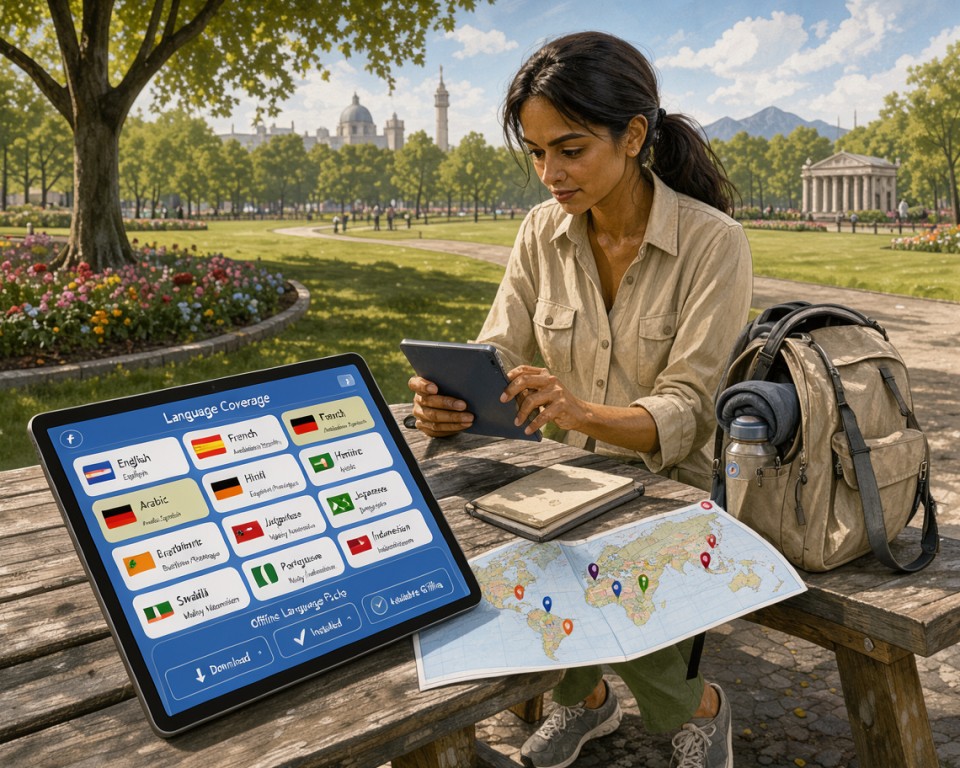
Language count is only one part of the choice. Apple Translate supports 11 languages and offers dialect options for English, Chinese, and Spanish. Papago supports 13 languages, including Korean, Chinese, Japanese, Vietnamese, English, French, and Spanish.
Offline tools help when service is weak or costly. iTranslate offers offline mode as a premium feature, but supported offline languages are not specified. Check the app before your flight and download any needed offline language packs.
| App | Language support | Offline and dialect details |
|---|---|---|
| Google Translate | 133 languages | Check the app for offline language availability. |
| Microsoft Translator | 129 languages | Check the app for offline language availability. |
| DeepL | More than 100 languages | Check the app for offline language availability. |
| iTranslate | More than 100 languages | Offline mode is a premium feature; supported offline languages are not specified. |
| Apple Translate | 11 languages | Dialect options include English, Chinese, and Spanish. |
| Papago | 13 languages | Includes Korean, Chinese, Japanese, Vietnamese, English, French, and Spanish. |
How do offline translation packs keep you connected?
Offline language packs translate common words and phrases without a live internet connection. Download needed languages over Wi-Fi before your trip. iTranslate offers offline mode with a premium subscription, which may limit roaming data usage.
Many translation apps use mobile data or Wi-Fi for some features. Offline translation mode helps in tunnels, on trains, or away from signals. Save maps, music, and movies over Wi-Fi before leaving to reduce data use on the road.
| Before you travel | When you’re offline |
|---|---|
| Download language packs and useful files over Wi-Fi. | Use offline translation mode for supported languages and features. |
| Check your app’s current offline options. | Keep key phrases saved in the app as a backup. |
An older travel-app review said Google Translate needed Wi-Fi or roaming at that time. It suggested starring favorite phrases. App features change, so check current settings and download options before departure.
How can camera translation decode menus, signs, and labels?
Point your phone at a menu, street sign, or product label to see its meaning without typing. Camera text recognition finds the words, while image translation shows them in your chosen language. This helps when you need a quick answer on the go.
Google Translate can display translated text over the camera view. Apple Translate has an image feature for written text, while iTranslate offers camera translation with a premium account. Microsoft Translator and Papago can translate images, too.
In a two-week test across Belgium, Spain, Germany, and Austria, Google Translate helped with menus and signs. For clearer results, hold your phone steady and keep the text well lit. Review translated signs and menus closely when prices or ingredients matter.
How do voice and conversation modes work in real interactions?
Google Translate lets you speak into your phone and hear a translation aloud. This speech-to-speech interpretation helps when you need to ask a quick question. Apple Translate offers a multilingual conversation mode for talking with one other person.
For groups, Microsoft Translator’s Converse feature lets people speak and read translations on their own phones. Papago also offers voice translation. A 2012 travel-app review called Vocre a split-screen tool for bilingual talks.
It translated recorded speech and spoke it in a selected voice. The review does not confirm whether Vocre is available today.
In a noisy place, try pronunciation playback before speaking. Hearing the phrase may help you say it clearly when the app’s voice mode does not fit.
When is typed translation the safer choice?
Typed text translation helps when a place is noisy or someone speaks quickly. It also helps when you must share an exact detail. Type an address, food allergy, or booking number before showing it to someone.
You can check the wording and fix mistakes first.
Google Translate, Apple Translate, and Microsoft Translator support written translation. iTranslate offers text translation for free, but voice and camera tools require a premium account. Its history tab and voice options can help you find and hear saved phrases.
DeepL supports more than 100 languages and offers formal or informal wording. The free plan handles up to 1,500 characters at a time.
It offers limited PDF and document translation. Pro includes unlimited characters and document uploads. Check current plan details before traveling because app features can change.
Use pronunciation playback when you want to say a typed phrase aloud. For sensitive details, review the translation on screen before sharing it. A short, clear message is often easier to check than a long one.
| App | Useful text features | When it may help |
|---|---|---|
| Google Translate | Text translation across a broad range of languages | Checking a short request or address while traveling |
| Apple Translate | Text translation on Apple devices | Typing a phrase when speaking feels awkward |
| Microsoft Translator | Text translation alongside conversation tools | Sharing a written message during a group trip |
| iTranslate | Free text translation, saved history, and voice options; voice and camera tools require premium | Keeping common phrases handy for repeat use |
| DeepL | More than 100 languages, formal or informal wording, and document options | Writing a careful message or translating a document |
How can you improve accuracy for names, directions, and requests?
Use short, clear phrases when asking for directions. Check street and place names on a map because translation apps may not recognize them. Google Translate is easy to use and has helped travelers ask for directions in Belgium, Spain, Germany, and Austria.
For an accurate translation, avoid slang and idioms. DeepL lets you choose formal or informal wording, but it may miss idioms and phrasal verbs. In one hands-on comparison, Google Translate and Microsoft Translator handled these phrases better.
Papago can translate handwriting when the writing is clear.
Save common requests before you go. Microsoft Translator has phrasebook features, and iTranslate Premium includes phrases for airports, hotels, and hospitals. Pronunciation playback helps you say requests aloud; Google Translate has offered spoken translations in more than 15 languages.
What privacy settings should you review before translating?
Before using voice or camera translation, check privacy permissions in your phone settings. Spoken and image translation may need microphone and camera access. Turn off this access when you finish.
Review the translation app settings before your trip. Check controls for access, saved activity, and data use. Options vary by app, so read the details for the one you use.
Grant only the access needed for each task. If you plan to type a phrase, you may not need microphone and camera access then.
How do roaming, battery, and permissions affect translation apps?
Many translation apps need internet for live results. To control roaming data usage, connect to hotel or café Wi-Fi when safe and turn off background activity. Download language packs before leaving; iTranslate offers offline mode to premium subscribers.
Voice and camera tools may use more power than typing, but battery drain varies by phone and app. Lower screen brightness and carry a charged power bank on long travel days. Check privacy permissions for camera, microphone, and location access.
Allow only what you need, then switch access off when done.
Wi-Fi translation can help avoid mobile data charges, but public networks may not be secure. Use trusted networks for sensitive content. The plans below list international data options and prices reported in 2026; check current terms before choosing.
| Plan | Reported price | International data details |
|---|---|---|
| Google Fi Unlimited Premium | $65 per month | 4G LTE data and unlimited texts in more than 200 countries |
| US Mobile Unlimited Premium | Starting at $44 per month | 20GB of international data in more than 120 countries |
| T-Mobile Experience More | $85 per month | 5GB of high-speed data in more than 215 countries |
What should you do when an app gets the translation wrong?
Try a shorter sentence with common words, then check the result in another app. In one comparison, Google Translate and Microsoft Translator handled idiom translation and phrasal verbs better than DeepL. This can help you judge translation accuracy before acting on an unclear result.
If you use Papago’s handwriting tool, write clearly so the app can read each character. For common travel needs, iTranslate’s premium phrasebook features include phrases for airports, hotels, and hospitals.
For directions, medicine, or urgent requests, confirm key details with a person when you can. A 2012 review said Translator with Speech saved translations for offline use. However, it accepted spoken input only in English and produced robotic-sounding speech in many languages. The review does not confirm whether the app is available today.
Conclusion
The best translation apps for international travel depend on your phone and travel plans. Google Translate is a strong free choice and supports 133 languages. Apple Translate comes with Apple devices, while Microsoft Translator helps groups talk across devices.
For focused language support, Papago covers Korean, Chinese, Japanese, and Vietnamese. DeepL offers more than 100 languages and lets you choose formal or informal wording. iTranslate adds camera and voice tools, a phrasebook, and premium offline access.
Camera text recognition helps with menus and signs, while speech-to-speech interpretation supports quick chats. However, many app features need internet access. Check your options before leaving, and download offline language packs when your app supports them.
Test key phrases before your trip, and keep typed translation ready if speech recognition misses a word. Also check privacy settings, app permissions, battery use, and roaming costs. Some preparation makes it easier to choose the right tool when you need it.